
Let’s explore the what the best web hosting for affiliate marketers should look like going into 2027.
Most hosting advice for beginners is a ranked list of companies with speed scores nobody can verify. Hosts change their plans, prices and data centres often, so a list like that goes stale quickly. A better question is which kind of host suits a first affiliate site that has to earn its keep on a small budget.
This guide gives you three routes: hosting bundled into a platform, budget shared hosting, and managed WordPress hosting. It also gives you a checklist to compare them. If you are aiming at your first R10 a day, which works out to roughly R300 a month, the decision has more to do with cost and simplicity than with raw server power.
What your affiliate site actually needs from a host (and what it doesn’t)
A new affiliate or AdSense site is a small WordPress site with text, some images, and a handful of pages. It gets a few visitors a day at the start. That tells you what to look for.
What it needs:
- A site that stays online. If visitors or Google’s crawler arrive and find nothing, you lose that visit and possibly some trust.
- A working SSL certificate. This is the padlock and the “https” in your address. Browsers warn visitors away from sites without it.
- Easy WordPress installation and updates. You should not need to touch code or a command line.
- Backups you can restore. One bad plugin update can break a site, and a restore point fixes it in minutes.
- Support that answers. You will have questions in your first month, and slow replies cost you days.
- A price you can predict. This includes what you pay when the first term ends.
What it does not need yet:
- Enormous storage or bandwidth. A text-based site with compressed images uses very little.
- Dedicated servers or virtual private servers. These suit sites with serious traffic or custom software.
- A dozen extras bundled into the plan, such as site-building tools you will not use, or an email marketing add-on before you have a list.
Hosting companies sell on fear of “not enough power.” For a site getting its first few hundred visits, power is rarely the problem. Content, keywords and patience matter far more at this stage.
Why speed matters for a content site, and how to test it yourself for free
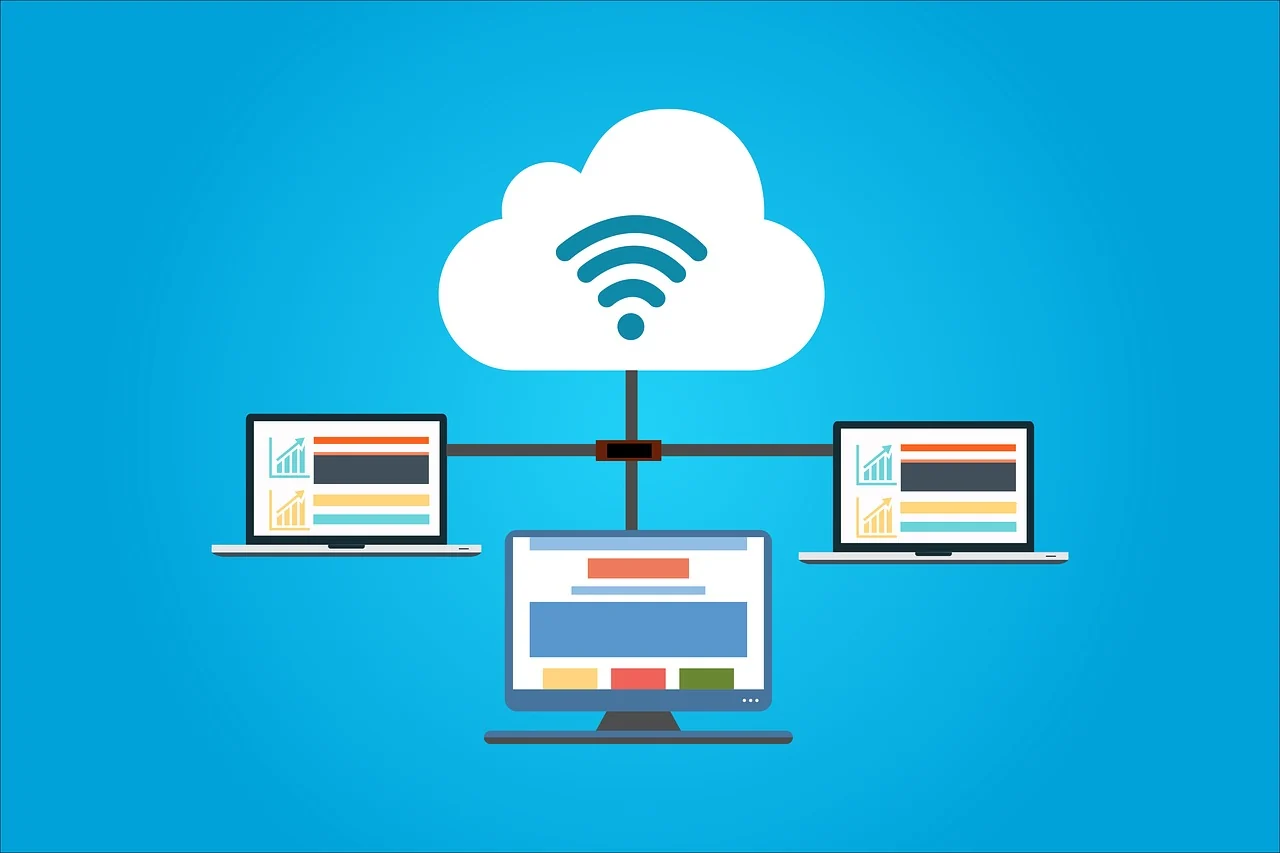
Visitors leave slow pages, and search engines take page experience into account. For a content site, speed comes from three places: your host, your theme and plugins, and the size of your images. The host is one of the three, and often not the biggest one. A heavy theme and uncompressed photos can slow a site on any host.
You can measure your own site without paying anyone:
- Google PageSpeed Insights is free and shows how a page performs on mobile and desktop, with a list of what is slowing it down.
- GTmetrix offers a free tier that shows load time and which files take longest to arrive.
- Your own phone on mobile data. Open your site on a normal connection and see how long the first screen takes to appear. This matches what most of your readers will experience.
Run the test a few times at different hours and keep a note of the results. One reading means little, because speeds vary through the day. If three readings on different days all look slow, look at your images and plugins first, then at the host.
Server location also matters. A server far from your readers adds a delay on every visit. If most of your audience is in South Africa, check whether a host lets you choose a data centre nearer to them, or whether it uses a caching or delivery network that helps. Ask support directly if the sales page does not say.
Before you buy, check whether the host lets you test it risk-free. Some offer a money-back window. Read what that window covers, because it sometimes excludes the domain name and add-ons.
Route 1: Hosting that comes bundled with your platform
Some platforms include hosting with their training and tools, and Wealthy Affiliate is one of them. You pay for the membership, and your website sits inside it. You do not buy hosting separately, compare plans, or work out which add-ons you need.
What this route does well:
- One bill and one place to look. When something goes wrong, you are not deciding whether the fault lies with the host, the theme or the course.
- No hosting decisions on day one. That removes a jargon-heavy choice at the moment you know least.
- Training and hosting side by side. The lessons you follow and the site you build live in the same environment.
What to check before you commit:
- How many websites the plan includes, and whether you can export a site and move it elsewhere later.
- Whether backups and SSL are included.
- Where the support comes from, and how quickly it replies.
- What the membership costs in rand at the current exchange rate, and what happens to your sites if you cancel.
That last point is the one beginners skip. When hosting is part of a membership, your site depends on the membership staying active. Find out how to take a copy of your content and what the process looks like before you build anything.
For a wider comparison of platforms, see Wealthy Affiliate vs the other platforms.
Route 2: Budget shared hosting, and where it starts to creak
Shared hosting puts many websites on one server and splits the cost between them. It is the cheapest way to get a WordPress site online, and many hosts advertise a very low first-term price.
For a new site with a few visitors a day, shared hosting is usually enough. You buy a plan, point your domain at it, install WordPress, and start writing. If you are comfortable with a few settings screens, this route gives you the most control per rand.
Where it starts to creak:
- Neighbouring sites. On a crowded server, another site using too many resources can slow yours down. You will not see why it happens.
- Traffic spikes. If one post takes off, a cheap plan may slow down or hit its resource limits just when the visits are most useful.
- Thin support. Budget plans often mean queues and scripted replies. A beginner who needs a patient explanation may struggle.
- Add-on pricing. Backups, malware scanning, and sometimes SSL or email can cost extra on the cheapest tier.
- The renewal jump. The low price on the sales page frequently applies to the first term only. The next term can cost noticeably more.
None of this makes shared hosting a bad choice. It is a good choice when you read the renewal price first, confirm that backups and SSL are included, and accept that you will handle more of the setup yourself.
Route 3: Managed WordPress hosting, and when it is worth paying for

Managed WordPress hosting is built for one job: running WordPress well. The host handles updates, security monitoring, caching, and daily backups, and its support staff know WordPress specifically. You get fewer settings to worry about, and when something breaks, support can often fix it or tell you exactly why.
It usually costs more than shared hosting, and for a site with very little traffic the extra performance goes unused. At R10 a day, the monthly cost matters because it comes straight out of what the site earns.
Managed hosting becomes worth considering when:
- Your site earns steadily and downtime would cost you real money.
- You have enough content that a broken update would take hours to repair.
- You are running several sites and do not want to maintain each one by hand.
- Traffic is growing and speed has started to affect results.
- You would rather pay for expert support than spend your evenings troubleshooting.
The trap is paying for managed hosting on day one because it sounds professional. A site with no traffic gains nothing from premium infrastructure. Start with what the site needs now, and move up when the numbers justify it.
A side-by-side checklist: uptime, support, backups, SSL, WordPress tools and renewal prices
Use these questions on any host from any route. Write the answers down for each one, so the comparison is on paper and not in your head.
Question | What a good answer looks like |
|---|---|
Uptime | The host states an uptime commitment and explains what happens if it is missed. Check independent reviews as well as the sales page. |
Support | Live chat or tickets with a stated response time. Test it with a pre-sales question and see how quickly and clearly they reply. |
Backups | Automatic backups included in the price, with a one-click restore. Find out how many days are kept. |
SSL | A free certificate included and renewed automatically. |
WordPress tools | One-click installation, easy updates, and a staging option if you want one. |
Renewal price | The price after the first term is shown clearly, in rand or with a way to calculate it. |
Site limits | The number of sites allowed, and any limits on visits or resources. |
Leaving | A clear way to export your site and move it elsewhere. |
If a host will not answer one of these questions plainly before you pay, treat that as your answer about its support.
Hidden costs to look for in rand before you click buy
The advertised price rarely equals what you actually pay. Go through these before checkout and add them up in rand.
- Renewal price. Compare the first-term price with the renewal price, and calculate the second year too.
- Billing currency. Many hosts price in US dollars. The rand amount changes with the exchange rate, and your bank may add a fee for foreign-currency card payments. Check with your bank what it charges.
- VAT. Find out whether the displayed price includes VAT or whether it is added at checkout.
- Domain name. Some plans include a free domain for the first year only, and the renewal can cost more than you expect. A domain bought separately can be easier to move later.
- Add-ons. Backups, malware protection, email accounts, and SSL are optional extras on some plans.
- Migration fees. If you want to move a site in, or out, find out whether the host charges for it.
- Theme and plugin costs. Premium themes and plugins carry their own yearly renewals, separate from hosting.
- Contract length. The best monthly price often requires paying for two or three years upfront. That is a large outlay for a site that has not earned anything yet.
Now compare the total to your goal. If you reach R10 a day, you are earning about R300 a month. A hosting bill that takes a large share of that leaves very little profit, and a multi-year prepayment is a bet on a site with no track record. Choose a term you can afford to walk away from.
Which route fits you at R10 a day, and which fits you at your first real growth spurt
At R10 a day, keep your costs low and your setup simple. The two routes that fit are bundled hosting and budget shared hosting.
Choose bundled hosting if you want training, tools and hosting in one place and prefer not to make technical decisions yet. Choose budget shared hosting if you are comfortable handling setup yourself and want the lowest monthly cost. In both cases, confirm backups and SSL, and know the renewal price before you pay.
At your first real growth spurt, the questions change. A growth spurt looks like steady traffic, several posts ranking, and income that would hurt to lose. At that point ask yourself these:
- Has the site slowed down at busy times?
- Would a day of downtime cost you meaningful money?
- Are you spending more time fixing technical problems than writing?
If the answer to any of these is yes, look at managed WordPress hosting, or at a stronger plan from your current host. If all three answers are no, stay where you are. Moving a site is possible, but it takes time and carries some risk, so move because the site needs it and not because the plan seems exciting.
Your monetization plan matters here too. A site earning from AdSense needs steady traffic volume, so speed and uptime pay off sooner. A site promoting memberships, like Wealthy Affiliate or Leap, depends on trust and on readers reaching your pages without errors, so reliability and clear, readable pages matter most.
What to do after you pick: your next three moves
- Set it up and check the basics. Install WordPress, confirm the SSL padlock shows, and switch on backups. If you need help with the buying and setup steps, follow how to purchase a domain name and hosting the easy way.
- Take a speed reading before you publish. Run PageSpeed Insights on your empty site and save the result. When you add content later, you can see what changed and compare against that baseline.
- Publish your first helpful posts. Hosting does not bring visitors. Content does. Choose topics your readers actually search for, and write each post to answer one question well. Keyword research is the part most beginners rush, so take your time with it.
Your first R10 a day will come from posts that match what people search for, on a site that loads and stays online. A modest, reliable host is enough to support that, and you can upgrade when your results call for it.
Not sure whether bundled hosting is right for you? Read the Wealthy Affiliate FAQ on cost, credits and whether it is worth it before you commit to any host. I host all my sites with Wealthy Affiliate, but they are not just hosts, they are so much more.
I hope you can now pick out the best web hosting for affiliate marketers now that you know what to look for.